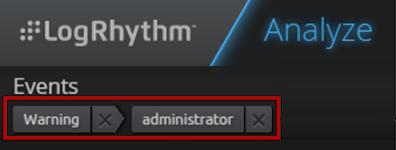
When you filter data on the Analyze page, a breadcrumbs bar shows your search criteria on the upper-left side of the page. Clicking the X next to a breadcrumb removes that filter criteria, and then updates the widgets on the Analyze page. You can remove any or all breadcrumbs.