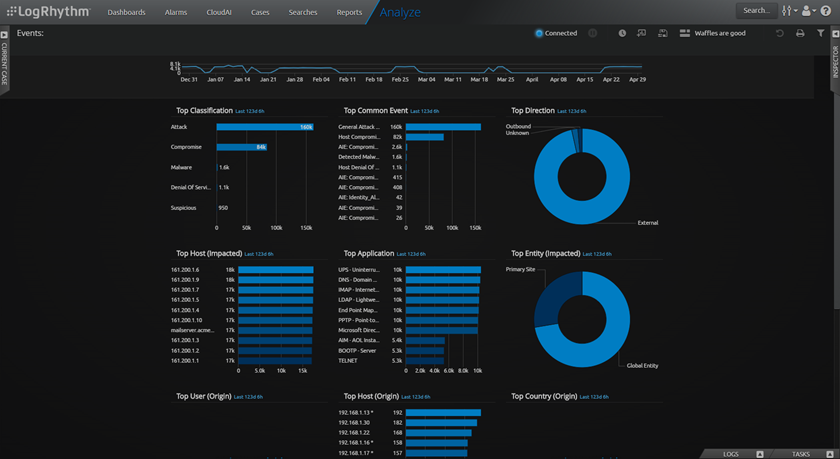
When you drill into data on the Dashboards, Searches page, or the Alarms page, the selected data opens on the Analyze page. From here, you can investigate specific Events and logs.
The Analyze page is not available from the navigation bar. You can only access it when you drill into data or view search results.
As on the Dashboards page, you can create and save multiple dashboard layouts on the Analyze page. The following shows the Default Analyze page view.