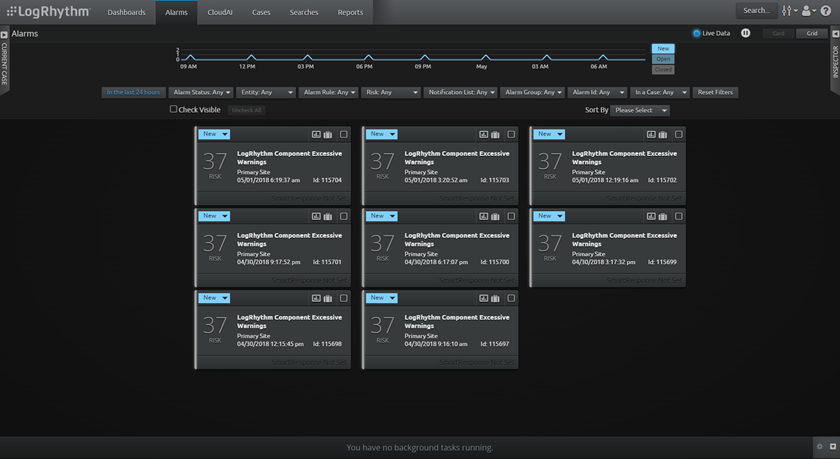
The Alarms page shows as many LogRhythm alarms as your deployment is configured to cache in the LogRhythm Configuration Manager. The default value is a maximum of 10,000 alarms. For more information, see Install a New LogRhythm Deployment.
To open the Alarms page, click Alarms on the navigation bar. From here, you can sort through the alarms, investigate the causes of alarms, and respond to them as needed. The Alarms page includes two predefined layouts: Alarm cards and Alarm grid. The following shows the Alarm card view on the Alarms page.