
To enable LDS v2:
-
On the machine where LogRhythm is installed, go to C:\Program Files\LogRhythm\LogRhythm Mediator Server\config
-
Open the scmedsvr.ini file in a text editor.
-
At the bottom of the file, add the following lines:
[OPTIONAL]
UseLDSV2=true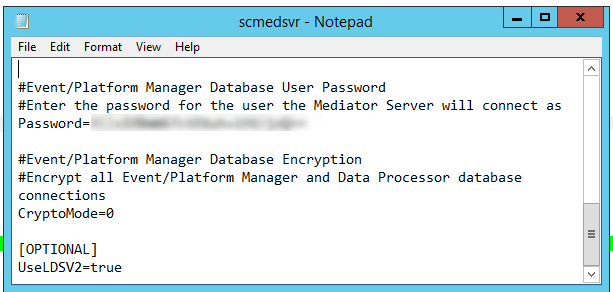
-
Save and close the file.