
Prerequisites
-
The Open Collector is installed. If you have not already installed it, follow the instructions in the Open Collector Installation and User Guide, and then return to this topic.
-
To collect log from any GCP service, the services must be enabled on the GCP portal, and you should have one topic and subscription.
-
The following port is open:
Direction
Port
Protocol
Source
Outbound
443
HTTPS
pubsubbeat
Initialize the Beat
-
To confirm the Open Collector is running, run the following command:
./lrctl statusYou should see the open_collector and metrics as shown in the following graphic:

If the Open Collector is not running correctly, see
Troubleshoot the Open Collectorin the Open Collector Installation and User Guide.
-
In the Open Collector, run the following command:
./lrctl pubsubbeat start
-
Enter the following details:
The contents of this user credential file are saved in encrypted format.
-
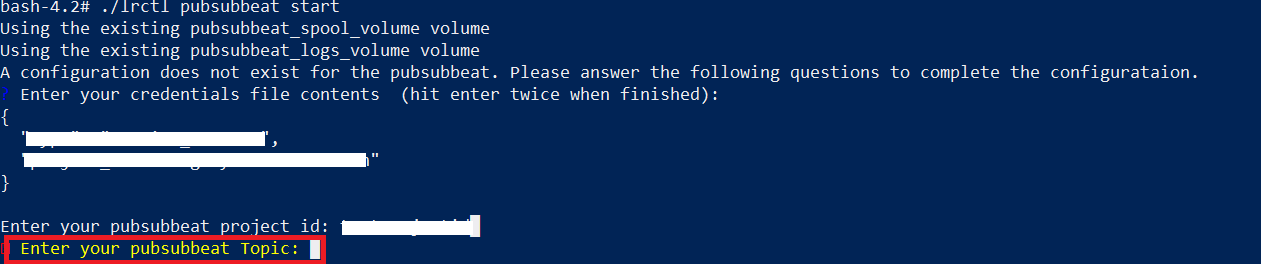
The Project ID of your project from GCP:

-
The Topic name from GCP. Enter only the portion that appears after topics\. For example, if your GCP console listed the Topic name as projects/datacollector-0000/topics/sample-topic, you would enter sample-topic.
-
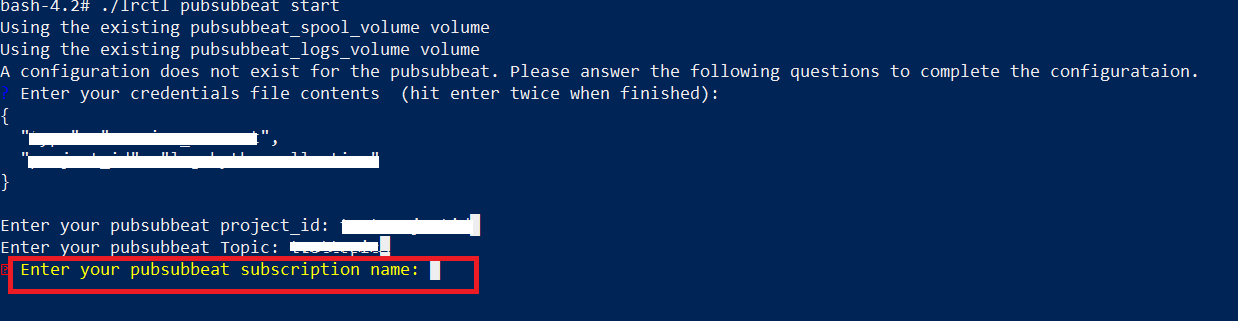
The Subscription name from GCP. Enter only the portion that appears after subscriptions\. For example, if your GCP console listed the Subscription name as projects/datacollector-0000/topics/sample-subscription, you would enter sample-subscription.
-
-
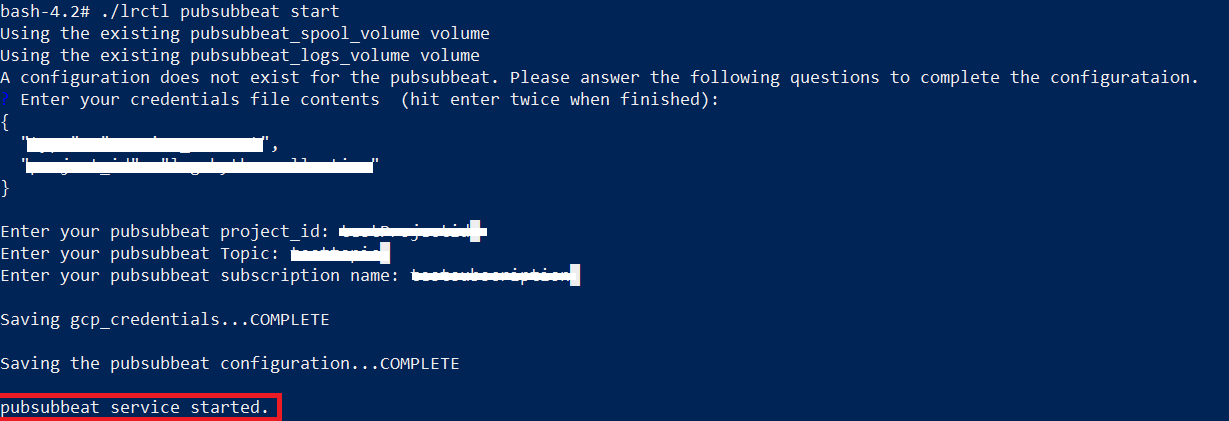
The configuration saves and the service starts successfully.
-
To check the status of the service, run the following command:
./lrctl pubsubbeat status
Default Config Values for Pub Sub Beat:
|
S. No. |
Field Name |
Default Value |
|---|---|---|
|
1. |
project |
User Provided |
|
2. |
HeartbeatInterval |
5m0s |
|
3. |
HeartbeatDisabled |
false |
|
4. |
CredentialsFile |
User Provided |
|
5. |
Topic |
User Provided |
|
6. |
Subscription.name |
User Provided |
|
7. |
json.enabled |
true |
|
8. |
json.add_error_key |
true |
|
9. |
subscription.Create |
true |